
run your conference programwithout the $40k SaaS bill
OpenSession — open-source event speaker and session management
Open-source platform for conference organizers who need call for papers, abstract review,
agenda scheduling, and speaker onboarding. Self-host on Cloudflare Workers with zero
infrastructure cost. Replace SessionBoard, Sessionize, or spreadsheet chaos with something
you own.
  Speaker submits              Organizer reviews             Organizer schedules
  ┌────────────────┐          ┌────────────────────┐        ┌───────────────────┐
  │  Public CFP    │─────────>│  Abstracts table   │──────>│  Agenda builder   │
  │  Email / Google│          │  Vote / Rate / Tag │        │  Rooms & times    │
  │  Draft & submit│          │  Accept / Decline  │        │  Conflict detect  │
  └────────────────┘          └────────────────────┘        └────────┬──────────┘
                                       ▼                             ▼
                                       │                             │
                              ┌────────────────────┐        ┌───────────────────┐
                              │  Decision emails   │        │  Calendar invites │
                              │  with ICS attached │        │  auto-sent to all │
                              │  to each speaker   │        │  session speakers │
                              └────────────────────┘        └────────┬──────────┘
                                                                     ▼
                                                                     │
                                                            ┌───────────────────┐
                                                            │  Speaker portal   │
                                                            │  Profile + slides │
                                                            │  Task tracking    │
                                                            └───────────────────┘
Features
Call for Papers
Custom submission forms built with MDX. Conditional logic, multi-speaker support,
track and format selection. Speakers sign in with email or Google and submit in minutes.
Abstract Review
Your team votes Yes, Maybe, or No on every submission. Accept and decline queues
with one-click batch notifications. CSV export for offline review.
Agenda Builder
Place accepted sessions into rooms and time slots. Room and speaker conflicts
are detected live. Calendar invites go out automatically.
Speaker Portal
Speakers confirm participation, complete onboarding tasks, upload slides and
headshots, and track their submissions from a dedicated portal.
Emails & Calendar
Automatic decision emails, task reminders, and ICS calendar invites.
Replies go to the organizer. No email configuration needed.
Embeds & Feeds
Embeddable agenda and speaker gallery for your event website. JSON and ICS
feeds for third-party integrations.
How it works
Create your event
Sign in with email or Google, name your event, pick dates and timezone. OpenSession creates
three default forms: Call for Papers, Speaker Profile, and Session Materials.
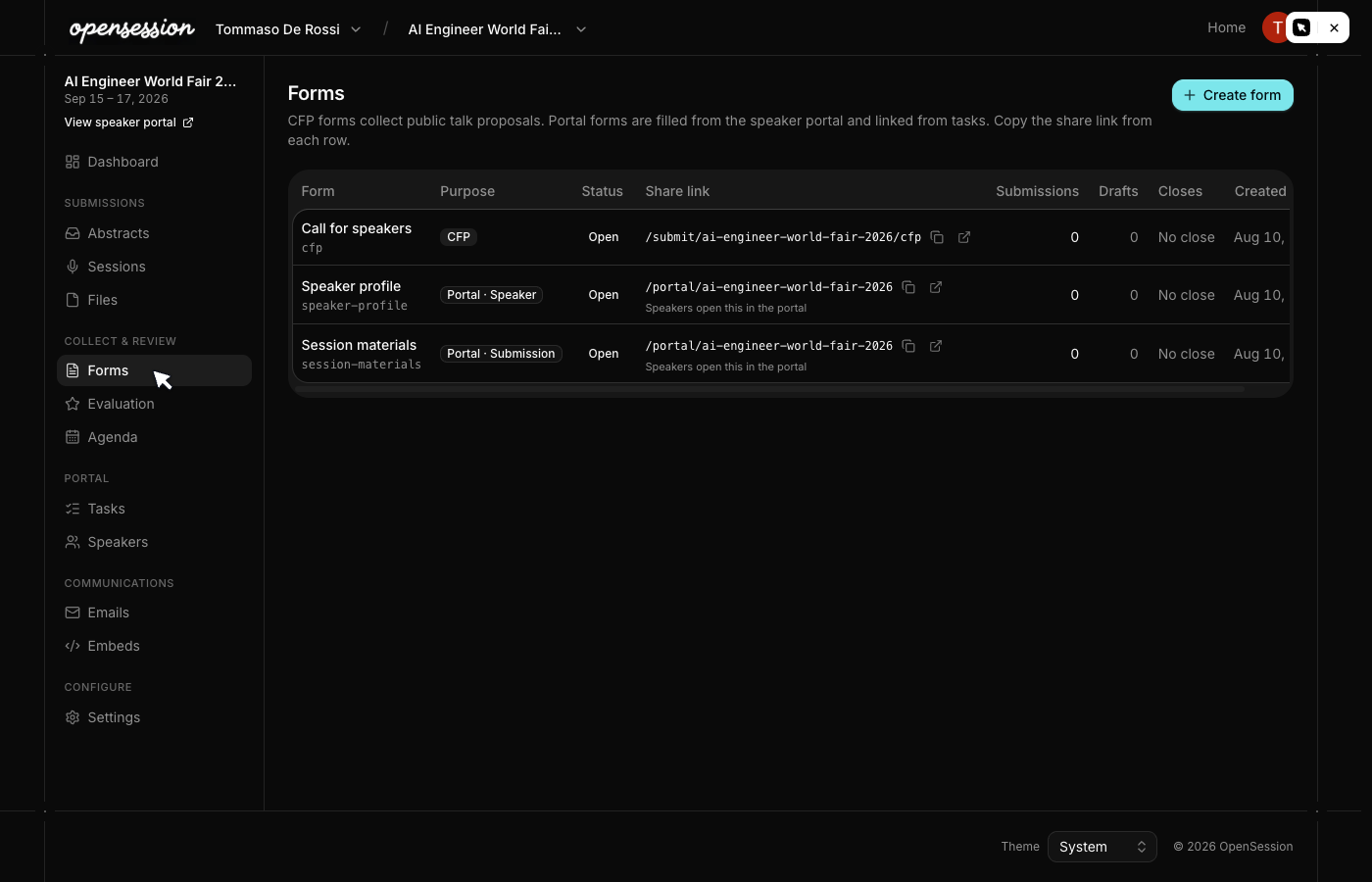
Publish the CFP
Open the submission form and share the public link. Speakers sign in with email or Google,
fill out the form, and submit. Drafts auto-save so nothing gets lost.

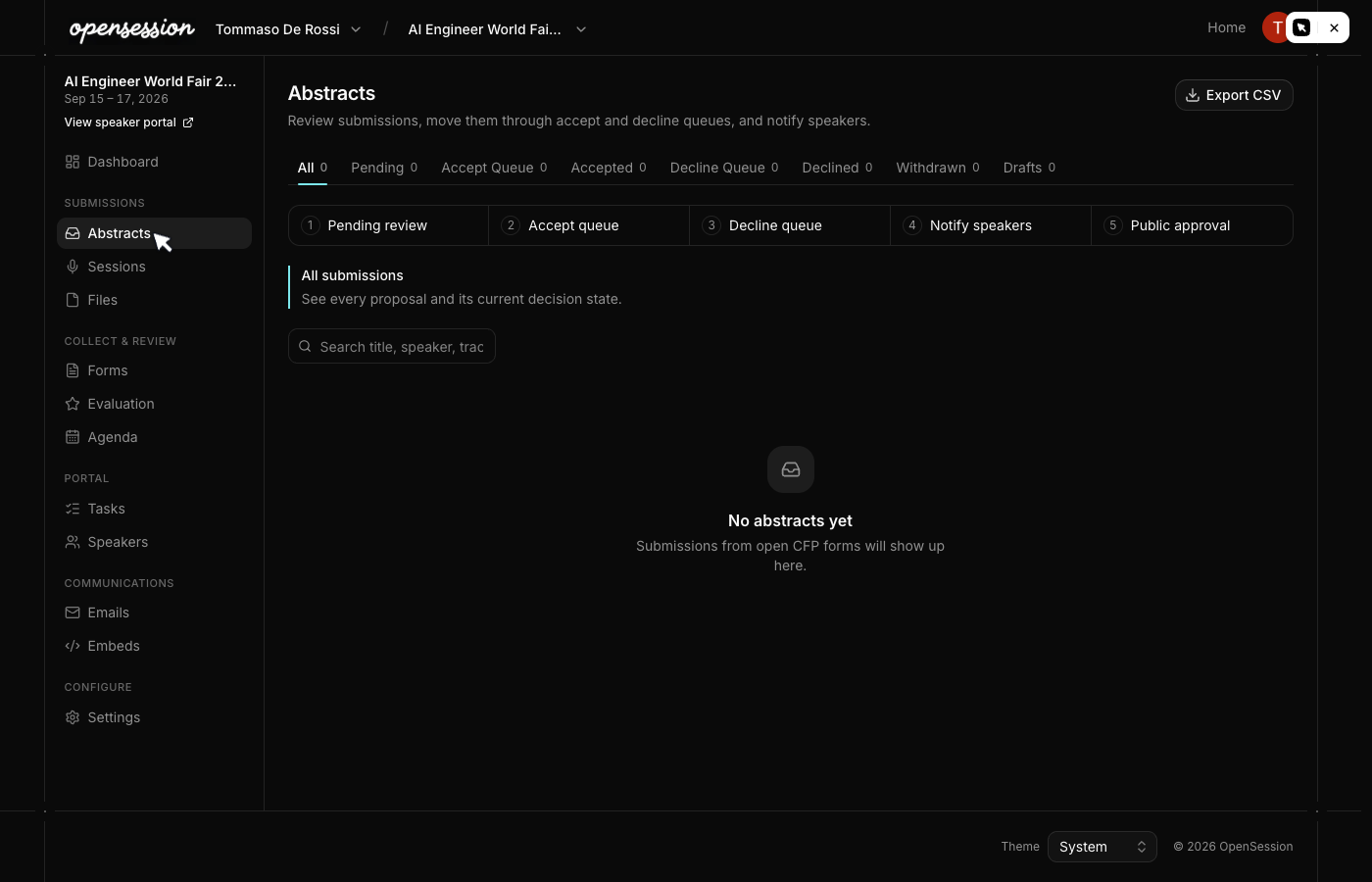
Review and accept
Your whole team votes on submissions. Move talks through accept and decline queues,
then notify all speakers in one click. Decision emails include calendar invites.

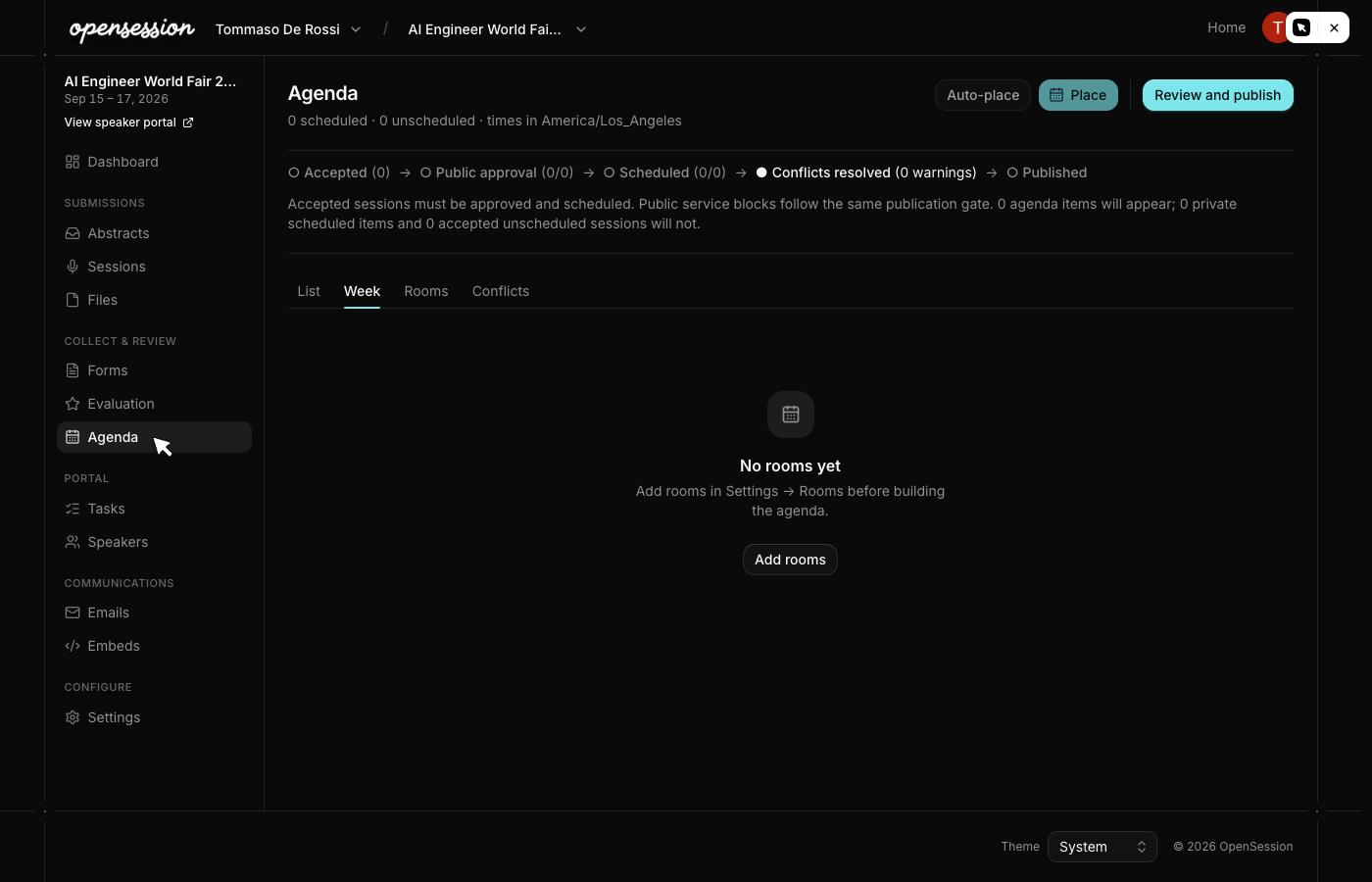
Build the agenda
Place accepted talks into rooms and time slots. The conflict engine flags overlapping
rooms and double-booked speakers. Publish embeds and feeds to your event website.

Track speaker onboarding
Accepted speakers get portal access with tasks: complete their profile, upload slides,
confirm participation. The dashboard shows who still has outstanding work.

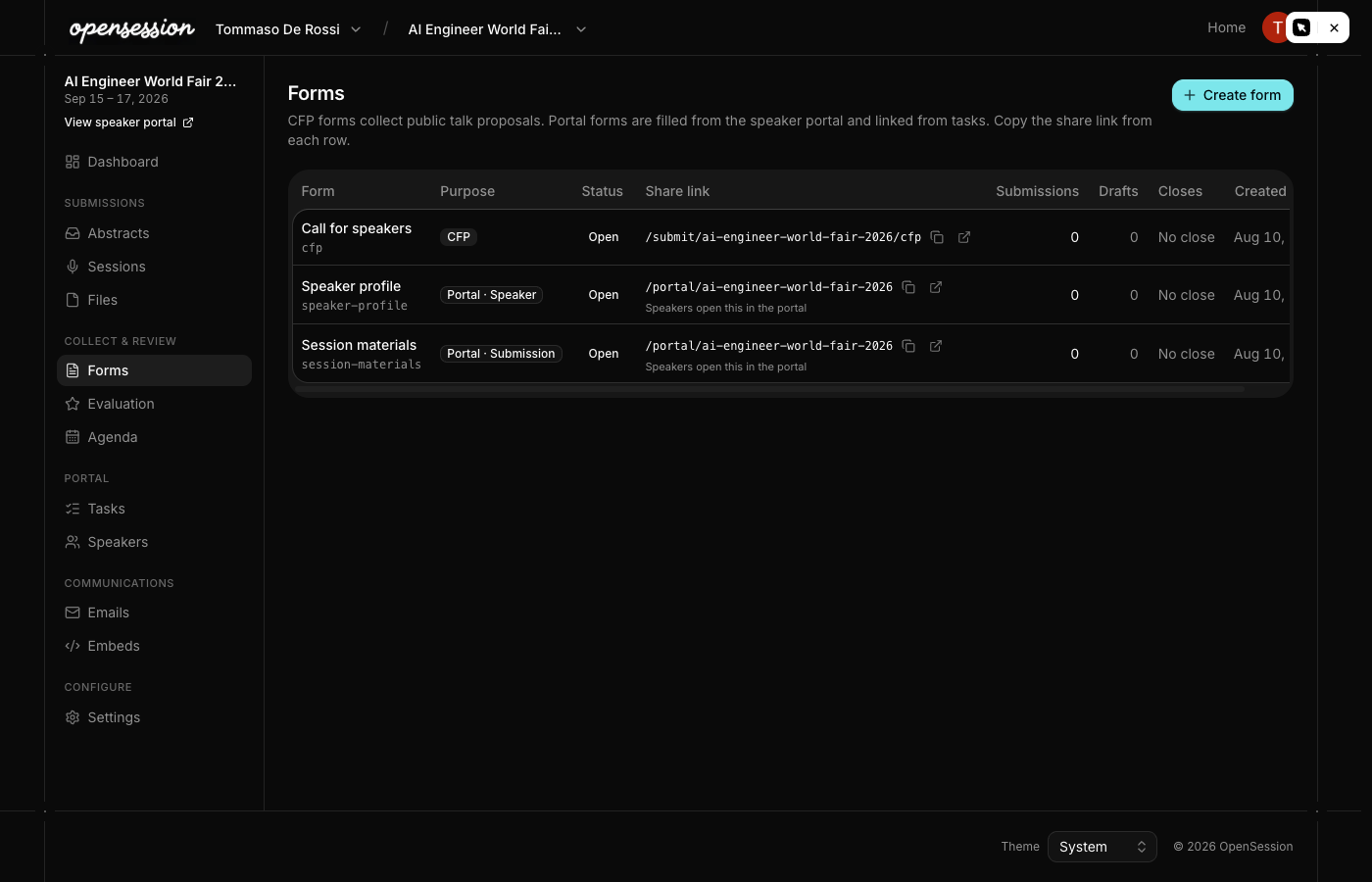
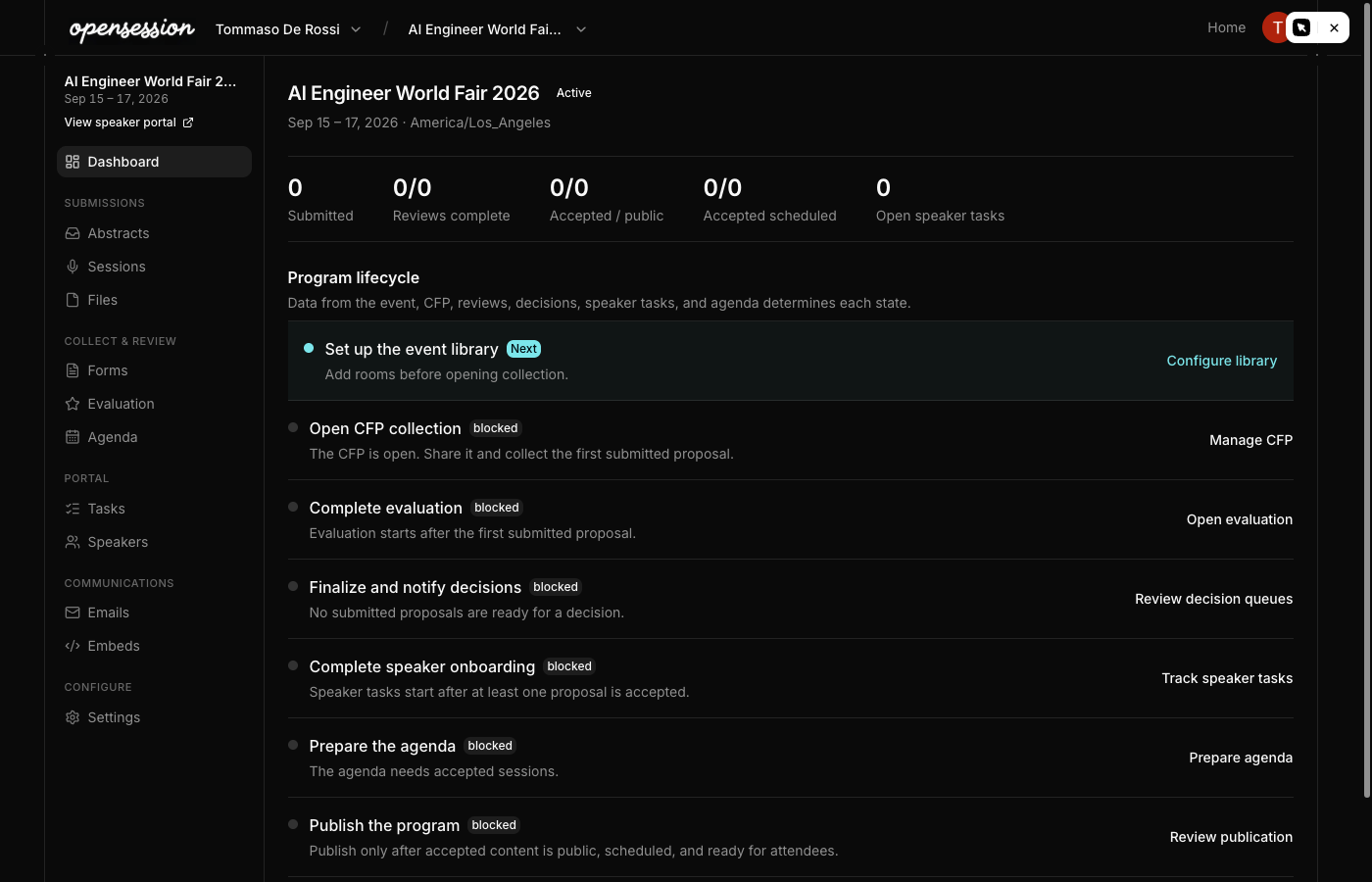
The organizer dashboard
Everything in one place. The sidebar groups submissions, review tools, speaker portal,
and communications into a clear workflow. Status tabs on every page let you filter
by lifecycle state.

OpenSession vs SessionBoard
| OpenSession | SessionBoard | |
| Price | Free, forever | $40,000+ / year |
| Source code | Open source (MIT) | Closed source |
| Self-hosting | Yes, Cloudflare Workers | No |
| CFP forms | MDX with conditional logic | Visual form builder |
| Abstract review | Vote, rate, comment | Vote, rate, comment |
| Agenda builder | Rooms, time grid, conflicts | Rooms, time grid, conflicts |
| Speaker portal | Profile, tasks, file uploads | Profile, tasks, file uploads |
| Emails | Automated with ICS | Automated with ICS |
| Embeds | Agenda + speaker gallery | Agenda + speaker gallery |
| CRM | Not included | Included |
| Marketing | Not included | Included |
| Data ownership | Your Cloudflare D1 database | Their servers |
OpenSession covers the Program module that conference organizers use daily. CRM,
marketing pages, and payment processing are intentionally excluded to keep the product
focused and the codebase small.
Built with
Cloudflare Workers
Edge compute, D1 database, R2 storage, email sending. Zero cold starts.
Spiceflow RSC
React Server Components framework. Type-safe routes, server actions, streaming.
Drizzle ORM
Type-safe SQL with migrations, batch operations, and SQLite-proxy for D1.
BetterAuth
Email/password and Google OAuth for organizers and speakers. Verified identities and cached sessions.
Quick start
Deploy to Cloudflare
Clone the repo, configure your D1 database and R2 bucket, run migrations, and deploy.
git clone https://github.com/remorses/opensession cd opensession pnpm install
Set up secrets
Configure the auth secret through your preferred secrets manager. Google OAuth credentials
are optional if you want to offer Google login too.
Deploy
cd website pnpm db:migrate:remote pnpm deploy
Frequently asked questions
Is OpenSession really free?
Yes. OpenSession is open source under the MIT license. You self-host it on your own
Cloudflare account. Cloudflare Workers has a generous free tier that covers most
conference workloads.
What does OpenSession replace?
The Program module of SessionBoard or Sessionize: call for papers, abstract review,
agenda scheduling, speaker portal, and automated emails. It does not replace CRM,
marketing, or payment features.
Can I customize the submission forms?
Yes. Forms are written in MDX with custom field components. You can add conditional
logic, multi-speaker support, file uploads, and any custom text or layout. The Monaco
editor in the admin panel gives you a live preview as you edit.
How do speakers submit talks?
Speakers visit a public URL, sign in with Google, fill out the form, and submit.
Drafts auto-save so they can come back later. Each speaker can submit up to 3 talks
per event.
Does it send real calendar invites?
Yes. When you accept a talk and schedule it, OpenSession sends RFC 5545 ICS calendar
invites that show up natively in Gmail, Outlook, and Apple Calendar. Schedule changes
send updates automatically.
Can my team review submissions together?
Yes. Invite team members to your organization. Everyone can vote on submissions, leave
comments, and see aggregate scores. Reviewers do not need admin access.
Explore
Call for Papers
MDX form engine with conditional logic and multi-speaker support.
Abstract Review
Collaborative voting, scoring, and accept/decline workflows.
Agenda Builder
Room and time scheduling with live conflict detection.
Speaker Portal
Self-service onboarding with profile, tasks, and file uploads.
vs SessionBoard
Feature-by-feature comparison with pricing breakdown.
vs Sessionize
Compare hosting, pricing, CFP workflows, scheduling, and publishing tools.
Self-hosting Guide
Deploy OpenSession to your own Cloudflare account.