
Agenda Builder
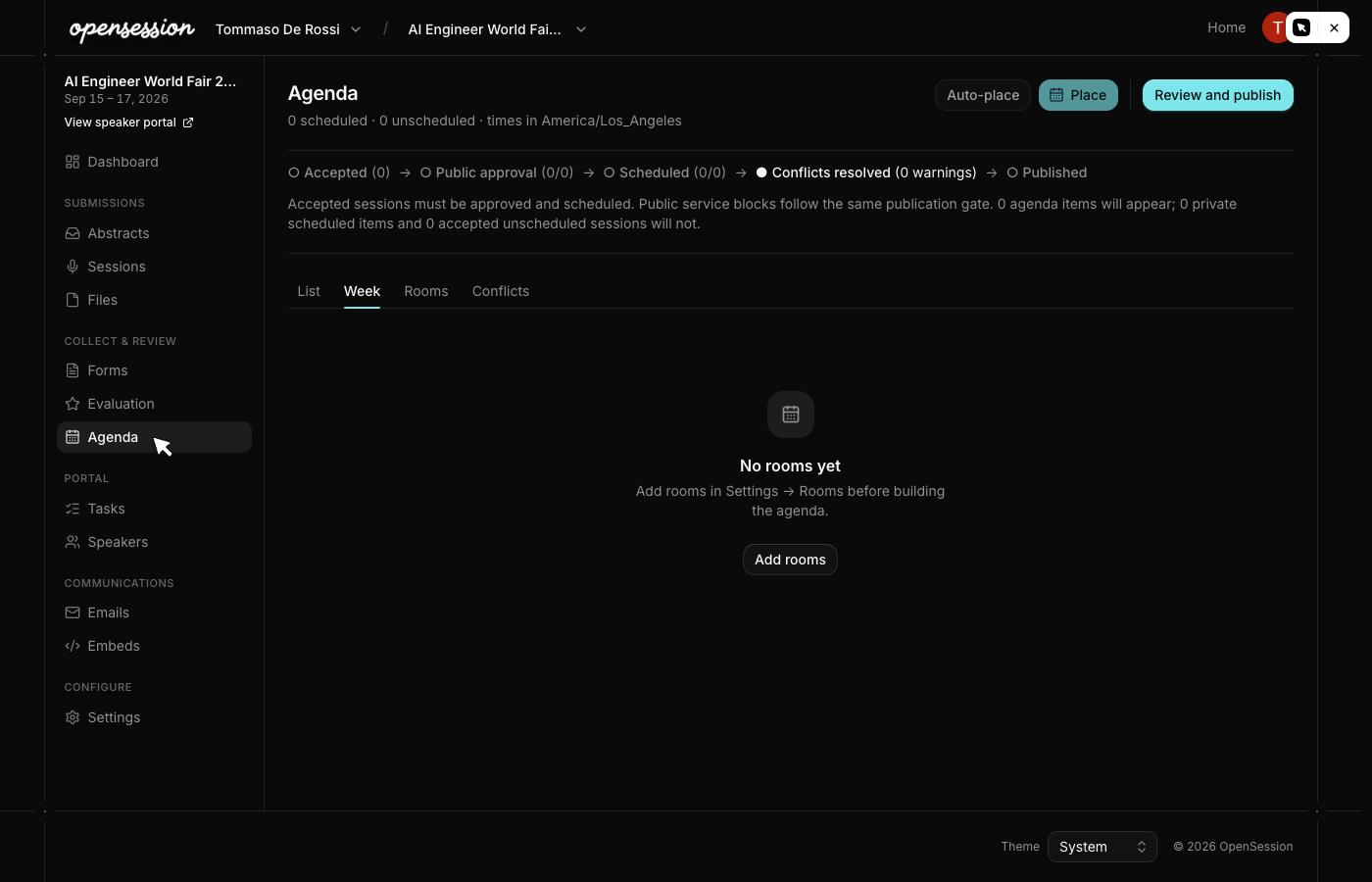
Once talks are accepted, place them on the schedule. OpenSession shows rooms as columns
and time as rows. The conflict engine checks every placement and flags problems before
they reach your speakers.
Schedule views
The agenda page supports multiple views through tabs:
| View | What it shows |
| List | Sortable table with times, room, track, and speaker columns |
| Week | All event days side by side in a compact calendar layout |
| Rooms | Sessions grouped by physical room |
| Conflicts | Only sessions with scheduling problems |
Unscheduled accepted sessions remain visible in the List and Rooms views so you can
see what still needs to be placed.

Conflict detection
The conflict engine runs on every placement. Two sessions conflict when their time
ranges overlap and either:
- They are in the same room
- They share a speaker (a person cannot be in two places at once)
Conflicts are warnings, not blocks. OpenSession flags the problem and asks for
confirmation, but never prevents you from saving. Sometimes overlaps are intentional
(panel discussions, workshop continuations).
  Session placed on grid
  ┌───────────────────────┐
  │  Room B, 10:00-10:45  │
  └───────────┬───────────┘
              │
              v
  ┌───────────────────────┐     ┌────────────────────────────────┐
  │  Check room overlaps  │────>│  Room B already has a session  │  ⚠ Warning
  └───────────┬───────────┘     │  at 10:15-11:00                │
              │                 └────────────────────────────────┘
              v
  ┌───────────────────────┐     ┌────────────────────────────────┐
  │  Check speaker times  │────>│  Speaker Jane is in Room A     │  ⚠ Warning
  └───────────────────────┘     │  at 10:00-10:30                │
                                └────────────────────────────────┘
The Conflicts tab on the agenda page lists every active conflict with links to jump
directly to the overlapping sessions.
Calendar invites
When you place or move a session on the schedule, OpenSession:
- Updates the session's room, start time, and end time
- Bumps the ICS sequence number (so calendar apps show it as an update)
- Enqueues calendar invite emails to every confirmed speaker on that session
The invite is an RFC 5545
.ics file attached to the email. It shows up natively
in Gmail, Outlook, and Apple Calendar. Moving a session sends an update; removing it
sends a cancellation.Service sessions
Not everything on an agenda is a talk. Create service sessions for breaks, lunch,
networking, and registration directly from the agenda page. Service sessions have a
room and time but no speakers or CFP submission.